Chapter 04Moving · Know-how
What to photograph on move-in day, room by room
Go before the boxes arrive. In each room, take four wide photos, one from each corner, and then one close-up of every item: floor, walls and ceiling, windows and screens, blinds, lights, outlets, closet and door. Kitchens and bathrooms add their appliances and fixtures. Walk in one fixed order and number the photos as you go. A two-bedroom apartment comes to about 80.
Source: Mohave County (AZ), Checklist for Walk-Through Inspection (Form A), checked October 10, 2026; The Fair Housing Center, Tenant Move-In and Move-Out Checklist, checked October 10, 2026; DC DDS, Tenant Move-In/Move-Out Checklist, checked October 10, 2026.
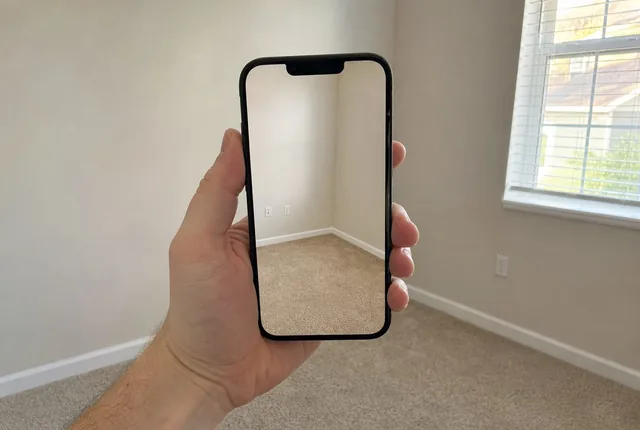
- Wide shots per room, then a close-up per item (this site's method)4 + 1 each Arithmetic from the figures on this page
- Photos for two bedrooms, one bath, a dishwasher and a balcony78 Arithmetic from the figures on this page
- The DC checklist asks for dated pictures of problemsDated DC DDS, Tenant Move-In/Move-Out Checklist, October 10, 2026
Why wide shots and close-ups
A wide photo shows where things are and how the room looked as a whole. It almost never shows a chip in the tub or a burn on the counter. A close-up shows the mark but not where it is. You want both, and a number on each so you can find it again later.
The four corner shots are this site's method, not a rule from any form. Each corner shot catches the two walls opposite and most of the floor, so four of them cover every wall twice. The item lists come from published move-in forms: Mohave County's walk-through checklist in Arizona, the Fair Housing Center's form in Toledo, and the DC Department on Disability Services checklist.
Source: Mohave County (AZ), Checklist for Walk-Through Inspection (Form A), checked October 10, 2026; The Fair Housing Center, Tenant Move-In and Move-Out Checklist, checked October 10, 2026; DC DDS, Tenant Move-In/Move-Out Checklist, checked October 10, 2026.
Before you start
Charge the phone, clear space
Plan on about 80 photos for a small apartment, plus a video if you film too.
Make a sign
Write the address and today's date on a sheet of paper. It's your first photo.
Lights on, doors open
Turn on every light and open every cabinet, closet and appliance door before you begin.
Print the packet
The photo packet lists every row in walking order with its photo number, so you shoot and tick in the same order.
The list, room by room
Do each room the same way: four corner shots first, then the close-ups in this order.
- Entry and hall: front door, lock and peephole, floor, walls and ceiling, hall closet, smoke alarm.
- Living room: floor or carpet, walls and ceiling, windows and screens, blinds or curtains, light fixtures and switches, outlets and cover plates.
- Kitchen: floor, walls and ceiling, cabinets and drawers, counters, sink and faucet, refrigerator inside and out, stove, oven and burners, range hood, light fixtures, and the dishwasher inside and out if there is one.
- Bedrooms: floor or carpet, walls and ceiling, windows and screens, blinds or curtains, light fixture and outlets, closet, door and lock.
- Bathrooms: floor, walls, tile and ceiling, sink, counter and cabinet, mirror and medicine cabinet, tub or shower and its caulking, toilet bowl and seat, exhaust fan and lights, towel bars and shelves.
- Balcony, patio or yard: two wide shots, one from the door and one looking back, then the surface, the railing or fence, the outside door and the outside light.
- Whole home, last: thermostat, vents, the water heater's tank and label, every smoke and CO alarm, and the keys, fobs and remotes you were handed.
Source: Mohave County (AZ), Checklist for Walk-Through Inspection (Form A), checked October 10, 2026; The Fair Housing Center, Tenant Move-In and Move-Out Checklist, checked October 10, 2026.
Inside counts as its own photo
The Toledo form lists the refrigerator inside, its drawers and outside as separate lines, and the DC form splits the oven into inside, outside, racks and drip pan. Open the door and take the inside shot even when it looks clean.
Source: The Fair Housing Center, Tenant Move-In and Move-Out Checklist, checked October 10, 2026; DC DDS, Tenant Move-In/Move-Out Checklist, checked October 10, 2026.
Close-ups that are useful later
Fill the frame with the item
Stand close enough that the counter or the tub fills the picture. From across the room, a scratch shows up as a few pixels nobody can read later.
Show the size
Lay a coin or the end of a tape measure next to a stain, scratch or hole before you shoot.
Take a second, closer one for damage
If you find a mark, take the row's close-up and then one more right up to it. Write both numbers on the sheet.
Shoot clean things too
A photo of a spotless oven is as useful as a photo of a dirty one. It shows what the oven looked like on day one.
Keep the photos with the sheet
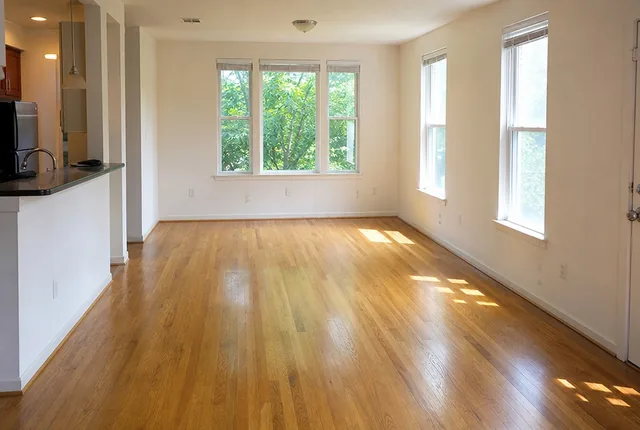
The DC checklist asks you to make sure the pictures are dated, and Mohave County's form says to keep the photographs with the signed checklist. Your phone already saves the date inside each photo's details. Copy the whole set to a cloud folder or email it to yourself the same night, and name the folder with the address and the date.
Source: DC DDS, Tenant Move-In/Move-Out Checklist, checked October 10, 2026; Mohave County (AZ), Checklist for Walk-Through Inspection (Form A), checked October 10, 2026.
This is a record, not advice
The photos show what the place looked like and when. What a landlord may charge for and what counts as normal wear depend on your lease and your state. A local tenant union, a legal aid office or your state's housing agency can answer those questions.
Checklist to print
Tick these off on the day:
- Phone charged, storage cleared
- Address and date sign as photo 1
- Every light on, every door and cabinet open
- Four corner shots in each room
- One close-up per item, in packet order
- Coin or tape next to each mark
- Appliances shot inside and out
- Whole-home list: thermostat, vents, water heater, alarms, keys
- Photos backed up the same night
- Sheet and photo folder filed together
Tips and tricks
- Tip 01
Same order at move-out
Walk the same route with the same packet when you leave, so each move-out photo matches a move-in photo by number.
- Tip 02
Say the room out loud on video
If you film as well, say the room name and the first photo number as you walk in, so the video and the sheet line up.
- Tip 03
Daylight helps
Go during the day if you can, with the blinds open as well as the lights on. Marks show better in even light.
- Tip 04
Photograph the keys
Lay every key, fob and remote on the counter and take one photo. It's the last row on the list.
- Tip 05
Don't delete the duds
Keep blurry shots and retake them. Deleting breaks the numbering between your roll and the sheet.
What we would do
Print the packet the night before
Fill in the photo packet with your rooms, print it, and charge the phone. On move-in day, do the walk before anything comes off the truck, back the photos up that night, and file the sheet and the photo folder together.
Questions
What should I take pictures of when moving into an apartment?
Every room's floor, walls and ceiling, windows and screens, blinds, lights, outlets, closet and door, plus the kitchen appliances inside and out and the bathroom fixtures. Finish with the thermostat, vents, water heater, alarms and keys. Published move-in forms list the same items room by room.
Source: Mohave County (AZ), Checklist for Walk-Through Inspection (Form A), checked October 10, 2026; The Fair Housing Center, Tenant Move-In and Move-Out Checklist, checked October 10, 2026.
How many photos do I need for a move-in inspection?
With four wide shots per room and one close-up per item, a two-bedroom, one-bath apartment with a dishwasher and a balcony comes to 78. The photo packet counts yours from your rooms.
Do move-in photos need a date stamp?
The DC checklist asks for dated pictures. Phones save the date and time inside each photo's details, so a stamp on the picture isn't needed. Making the first photo a sign with the address and date helps too, and backing them up the same day keeps a copy with the original dates.
Source: DC DDS, Tenant Move-In/Move-Out Checklist, checked October 10, 2026.
Should I photograph things that look fine?
Yes. A close-up of a clean oven or an unmarked wall shows the condition on day one just as clearly as a photo of a mark.
When is the best time to take move-in photos?
Before your belongings come in. The Toledo form says to inspect each item before you move in, and again after you move out and clean.
Source: The Fair Housing Center, Tenant Move-In and Move-Out Checklist, checked October 10, 2026.
Part of a system
This page is one part of a bigger job. The system page puts the parts in order.
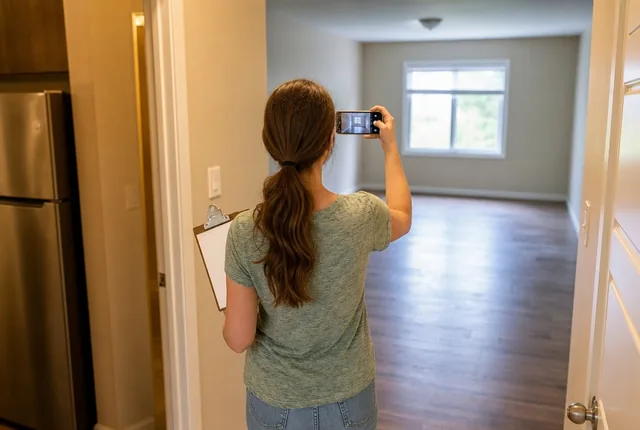
The tool and more guides
 Chapter 04Move-in photo packetTurn your rental's rooms into a numbered photo list and a condition sheet you can print. Walls, floors, fixtures and appliances, room by room.Open the tool
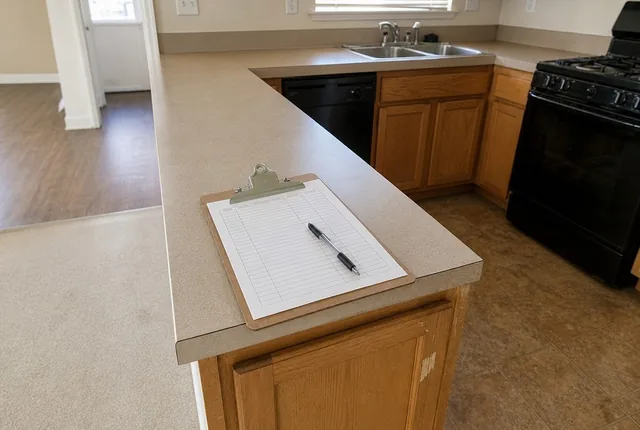 Practical noteHow to fill in a move-in condition checklistOne letter per row, then what, where and how big, plus the photo number. Notes a stranger can read a year later, and what to do with the copies.Read the guide
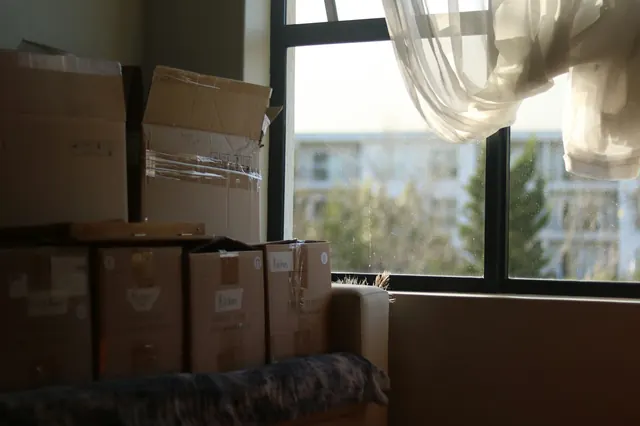 Know-howMeter readings to record on move dayRead and photograph the electric, gas and water meters at the home you leave and the one you move into. How digital and dial meters read, and what to write.Read the guide
- Chapter 04All moving toolsMoving tools with a printable sheet behind each one: a numbered move-in photo list, a condition sheet for renters, and the dates to call each utility.Open the chapter
Sources
- Checklist for Walk-Through Inspection (Form A), Mohave County, Arizona. Checked October 10, 2026.
- Tenant Move-In and Move-Out Checklist, The Fair Housing Center (Toledo, Ohio). Checked October 10, 2026.
- Tenant Move-In/Move-Out Checklist, DC Department on Disability Services (DDS). Checked October 10, 2026.
Every outside number on this page names its source and the date we checked it. See them all on the sources page. Spotted an error? Tell us.