Chapter 01Records · System
Home records binder: build your house manual
Use one three-ring binder with six tabs: appliances and warranties, filters and schedules, paint, measurements, manuals and receipts, and service visits. Fill the first tab in one evening by walking the house with the appliance log. Keep each receipt with its warranty: the FTC says the receipt proves when you bought the product and that you are the original owner.
Source: FTC, Warranties, checked October 9, 2026.
- One for each kind of record on this page6 tabs Counted from this page
- Working copy to print first and use as the index1 page Counted from this page
- Kept together, per the FTCReceipt + warranty FTC, Warranties, October 9, 2026
Do it, skip it or get help
Build it yourself
This is all writing things down. A binder, dividers and the printed sheets from the tools are enough.
Skip the paper if you live on your phone
A folder per tab in your phone or cloud drive works the same way. Keep the tab names, and scan the receipts so each one sits next to its warranty.
Ask a pro about legal, tax or insurance papers
Which deeds, tax or insurance papers to keep, and for how long, is a question for the agency, your insurer or a professional. This binder covers the house itself: its appliances, sizes, colors and service visits.
The steps, in order
Set up the binder
Label the six tabs: Appliances, Filters and schedules, Paint, Measurements, Manuals and receipts, Service visits. Put the working copy at the front as the index.
Have ready: A three-ring binder, six dividers, a pack of sheet protectors
Appliances and warranties
Walk the house room by room and log every appliance: model and serial number from the label, purchase date and warranty length. The appliance log works out each end date.
Have ready: A flashlight for labels inside doors, and your phone camera
Pair each receipt with its warranty
Slip the receipt and the warranty into one sheet protector. The FTC says to save a copy of the warranty, and to print or download one if you bought online. Some warranties need a registration card sent in first.
Have ready: Receipts from drawers and email, and a printer
Source: FTC, Warranties, checked October 9, 2026.
Filters and schedules
Record every filter size in the house, one row per grille, and add the fall checklist page behind it.
Have ready: The old filters, or a tape measure
Paint
For each room, note the brand, color name and code, and the sheen. Add how much a room took, from the paint calculator, so the next can is the right size.
Have ready: The can lids in the garage, or the receipt
Measurements
Measure each doorway and hall turn once and keep the sheet. The next sofa, fridge or mattress delivery starts from these numbers.
Have ready: A tape measure and the sofa fit check sheet
Service visits
Every time someone works on the house, add a row: date, company, what they did, what they said to watch. This is the tab the next contractor will ask about.
Have ready: Past invoices, if you have them
Shelve it where everyone can find it
Keep the binder on one shelf that everyone in the house knows. Tell whoever house-sits for you where it is.
Have ready: A spot near the kitchen or the front door
Print the working copy
One page, black and white, US Letter. Tick the boxes and write the dates in.
- Every appliance listed, room by room
- Model and serial numbers copied
- Warranty end dates filled in
- Registration cards sent, if required
- Filter size for each grille
What goes wrong
The receipt and the warranty end up apart
The receipt is what shows the purchase date and that you are the original owner. Filed apart, the warranty is harder to use.
Source: FTC, Warranties, checked October 9, 2026.
The filter size lives only on the old filter
Once the old one goes in the trash, the size goes with it. Write it on the filter page before you shop.
The paint color is a guess
Without the color code and sheen, a touch-up can come out a shade off. Labels on old can lids get hard to read, so copy them into the binder.
Too many tabs, never updated
A binder with twenty sections gets abandoned. Six tabs and one rule (new paper goes in the day it arrives) keep it up to date.
When the steps change
Renting
The appliances belong to the landlord, but log the model numbers anyway: a repair request goes faster with them. Add a page for the date you reported each problem.
Just bought the house
Ask the sellers for manuals, paint colors and service invoices before closing day. Whatever they leave goes straight into the tabs.
Selling or handing over
Copy the binder for the next owner. It answers the questions they will have in their first week.
Tips and tricks
- Tip 01
Photograph the label, then write it
Photos of model labels are easy to take and hard to search. Copy the numbers onto the sheet the same day.
- Tip 02
Tape the filter size by the grille
A small label next to the return grille saves a trip to the binder.
- Tip 03
Download manuals once
Most makers post manuals online by model number. Print the pages you use (care, filters, warranty) and skip the rest.
- Tip 04
Date every page
Write the date in the corner when you add a page. Later you can tell what is current.
What we would do
Start with the appliances tab tonight
Print the working copy, then walk the kitchen and laundry with the appliance log open. Those labels are the hardest to get at later and the first thing a repair call asks for. Add the filter and paint tabs at the weekend, and the rest as paper arrives.
The tools and guides in this system
 Chapter 01Appliance and warranty logRecord each appliance's model number, serial number and purchase date, see which warranty ends next, and print a one-page log for the drawer.Open the tool
 Chapter 01HVAC filter size finder and replacement plannerTurn a nominal size like 16x25x1 into the filter's actual dimensions, or measure an old filter to find the size to buy, then plan the next change.Open the tool
 Chapter 02Paint coverage calculatorWork out how many gallons of paint a room needs from its size, doors, windows and coats, using coverage figures published by paint makers.Open the tool
 Chapter 03Sofa through the doorway fit checkCheck a sofa against your narrowest door and a hallway turn: upright, on its back or tilted on its end, with a printable measuring sheet.Open the tool
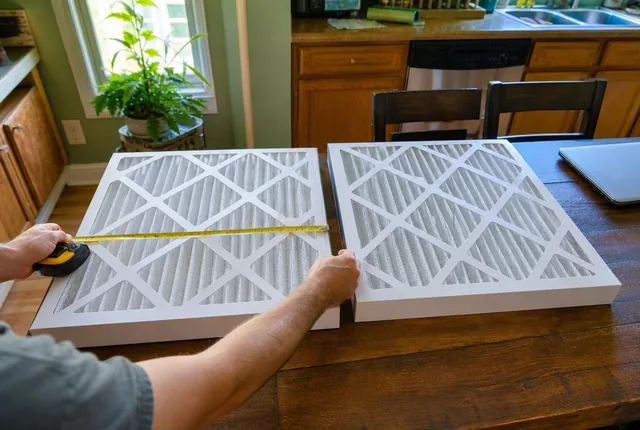 Know-howNominal vs actual HVAC filter sizes, explainedWhy a 16x25x1 filter measures about 15.5 x 24.5 x 0.75 inches, how to read the label, and how to size an old filter with no print on it.Read the guide
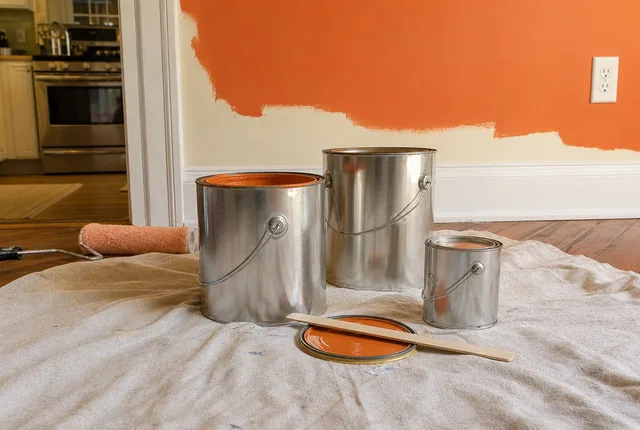 Problem-solving guideHow much paint do I really need?Work out gallons from wall area, coats and the coverage on the label, and see why a can runs out before the wall is done.Read the guide
- Chapter 01All records toolsPrintable home records with a calculator behind each one: appliance and warranty log, HVAC filter sizes and change dates.Open the chapter
Questions
What goes in a home binder?
Six things: an appliance list with model numbers and warranty dates, filter sizes and change dates, paint colors and codes, door and hall measurements, manuals with their receipts, and a log of service visits.
Should I keep receipts with warranties?
Yes. The FTC says to save the receipt with the warranty, because the receipt proves the purchase date and that you are the original owner.
Source: FTC, Warranties, checked October 9, 2026.
Do I need a paper binder, or will my phone do?
Either works. Use the same six tabs as folders, and scan each receipt next to its warranty.
What about mortgage, tax or insurance papers?
Those are outside this binder. Ask the agency, your insurer or a professional what to keep and for how long. This binder holds records about the house itself.
The primary source
Warranties, Federal Trade Commission (FTC), Consumer Advice. Checked October 9, 2026.
The steps on this page follow this source. Other figures cite their own source where they appear.
See every source on the site on the sources page. Spotted an error? Tell us.