Chapter 01Records · Tool and printable record
Appliance and warranty log
For each appliance, write down the brand, model number, serial number, purchase date and warranty length. The log adds the warranty length to the purchase date, sorts everything by end date and prints as a single page. What you type stays in this browser and is never uploaded.
Source: no outside figures. This tool is date arithmetic on what you enter.

Appliance and warranty log
Next to end Refrigerator: March 15, 2027 (161 days left)
1 appliance: 1 active, 0 ending within 60 days, 0 ended.
| Appliance | Bought | Coverage ends | Status |
|---|---|---|---|
| RefrigeratorExample | March 15, 2026 | March 15, 2027 | Active 161 days left |
Based on today's date on your device.
How to use this, in plain words
Find the label with the model and serial number. Look inside the door, around the door frame or on the back panel.
Take a photo of the label with your phone so you can copy the numbers sitting down.
Find the purchase date on the receipt or the order email, and the warranty length on the warranty card or in the manual.
Type them in. The log works out each end date and puts the next warranty to end at the top.
Print the log and keep it with the manuals. What you type stays in this browser.
Before you start
- Note 01
Model and serial are different numbers
The model number names the product line. The serial number belongs to your one machine. Write down both.
- Note 02
Check the start date
Some warranties start on the delivery or installation date instead of the purchase date. Use the date your warranty card names.
- Note 03
Keep proof of purchase with it
An end date is only useful if you can show when you bought it. Staple the receipt to the printed log, or keep the order emails in one folder.
- Note 04
Note whether you registered
Write down whether you registered the product with its maker, and how (card, website or app), so you don't do it twice.
How it works
- End date = purchase date + warranty length in whole months. When the target month is shorter, the date moves to that month's last day, so January 31 plus one month is February 28 (or 29).
- Days left = end date minus today's date.
- If you also enter an extended-plan end date, the later of the two dates is the one that counts.
- Status: "ended" once the end date has passed, "ends soon" with 60 days or fewer to go, "active" otherwise. The 60 days is our own reminder window, not a rule from any warranty.
Worked example
A refrigerator bought on March 15, 2026, with a 12-month manufacturer warranty, checked on October 5, 2026.
- End date: March 15, 2026 + 12 months = March 15, 2027.
- Days left on October 5, 2026: 161.
- Status: more than 60 days to go, so the log shows it as active.
If the answer surprises you
The end date lands on a different day
When the end month is shorter, the date moves to that month's last day. January 31 plus one month is February 28, or 29 in a leap year.
It says ends soon with weeks to go
The ends soon flag starts at 60 days. That window is our own reminder setting, not a warranty rule.
The extended plan date wins
If you enter an extended plan end date, the log uses whichever of the two dates is later.
What to record
The printable sheet has one row per appliance and these columns. Fill it in by hand or print it from the log after you add your appliances.
- Appliance and room
- Brand
- Model number
- Serial number
- Purchase date and store
- Price paid (USD)
- Warranty length and what it covers (parts, labor)
- Extended plan: provider, plan number, end date
- Where the receipt and manual are kept
- Service visits: date, what was done, cost
Variants
If you rent
Log the appliances you own, such as a washer you brought with you or a window air conditioner. Keep the landlord's appliances in a separate list with the dates you reported any problem.
Just moved in
Walk through the kitchen, laundry and garage on your first week and fill in one row for each appliance, even the ones with no paperwork. Writing the model and serial number down now saves a search later.
Selling or moving out
Print the finished log and leave a copy with the manuals for the next household, and keep one for yourself.
Limitations
- Planning estimate; check the manufacturer's warranty terms for the exact end date and what is covered.
- Some warranties start on the delivery or installation date rather than the purchase date. Enter whichever date your warranty card names.
- The log does not tell you whether a repair is covered. It keeps the dates and numbers you need when you ask the manufacturer.
Tips and tricks
- Tip 01
Photograph the label, then type
Copying a serial number while kneeling at the dishwasher is where typos happen. Take a photo and copy it at a table.
- Tip 02
Use the order email as the receipt
For anything bought online, the order confirmation shows the date and the store. Save it to a folder named for the house, next to the manual PDF.
- Tip 03
Register, then note it
Some warranties ask you to send in a registration card first. Once you have done it, write the date and the method in the row so nobody repeats it.
Source: FTC, Warranties, checked October 9, 2026.
- Tip 04
Watch the look-alike characters
Zero and the letter O, one and I, and five and S are easy to mix up. If you can, check the model number in the maker's manual search.
- Tip 05
Keep a blank for unknown dates
If you never saw a receipt, leave the purchase date empty and note no paperwork. A guessed date can make an old warranty look live.
What we would do
Log everything, not only the new things
Put every appliance in the house on the list, even the old ones with no warranty left. The model and serial numbers are what you need for manuals and parts long after the warranty has run out, and one complete page is easier to keep than a half list.
Questions
Where do I find an appliance's model and serial number?
Look for the rating label or data plate. Where it sits depends on the appliance and the maker, so the owner's manual or the manufacturer's support page is the quickest guide. Copy both numbers exactly, including letters and dashes.
Does a warranty start on the purchase date?
Not always. Some makers count from delivery or installation. Enter the date your warranty card names; if it names none, use the date on your receipt and note that in the row.
Is what I type saved anywhere?
Only in this browser's local storage, on this device. Nothing is sent to us or anyone else. Clearing site data or switching browsers removes it, so download the CSV or print the sheet now and then.
Why keep a paper copy?
A printed log still works when a phone is lost or a laptop is replaced, and it can stay with the house when you move. Keep it with the receipts and manuals.
Part of a system
This page is one part of a bigger job. The system page puts the parts in order.
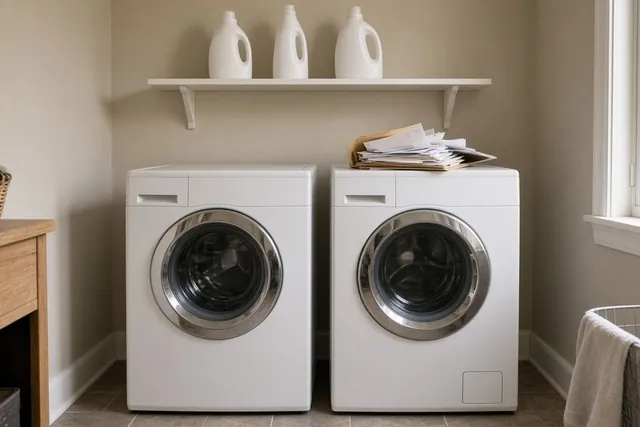 SystemAppliance and warranty records: every machine, its numbers and its paperworkList every appliance, copy its model and serial number from the label, keep the receipt with the warranty, and print one log for the house binder.9 steps · 4 parts · 1 page to printOpen the system
 SystemFall home checklist and winter-prep recordWhat to book, check and write down before winter: the heating check-up, the air filter, smoke alarm tests, hoses and drafts, on one printable page.8 steps · 4 parts · 1 page to printOpen the system
 SystemHome inventory: what you own, room by room, with two copies kept outside the houseFilm each room in one afternoon, type the list from the footage one room at a time, keep copies in two places outside the house and check it each season.9 steps · 4 parts · 1 page to printOpen the system
 SystemHome records binder: your house manualSix tabs for the facts a house keeps asking for: appliances and warranties, filter sizes, paint colors, measurements, manuals and service visits.8 steps · 6 parts · 1 page to printOpen the system
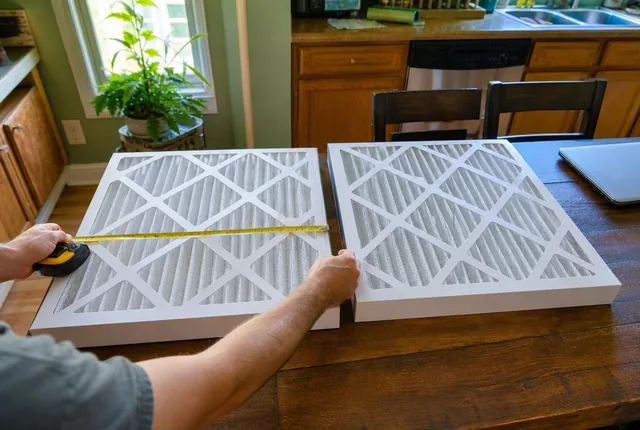 SystemMove-in first month: the new home checklistFour weeks, one short job list each: smoke alarms, the air filter, appliance labels, a room-by-room inventory and the monthly reminders, on one printable page.9 steps · 6 parts · 1 page to printOpen the system
 SystemSummer cooling-season recordOne printable page for the cooling season: the AC model and age, the spring check-up, a filter date each month, hot rooms and bills to show the contractor.8 steps · 7 parts · 1 page to printOpen the system
 SystemWater heater size and age recordOne page for your water heater: copy the label and data plate, find the install date, check the first hour rating against your busiest hour, log every visit.9 steps · 5 parts · 1 page to printOpen the system
Guides that go deeper
 Practical noteNew home, no paperwork: build an appliance list in one afternoonMoved in and the manuals are gone? Walk the house in order, photograph every label, find each manual by model number and end with one printed list.Read the guide
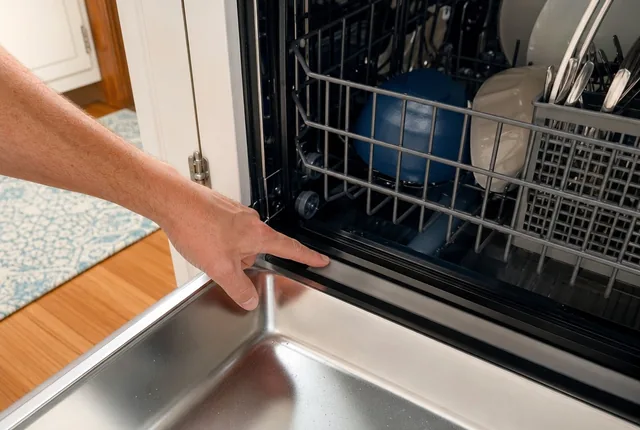 Know-howWhere to find the model and serial number on each applianceWhere the label usually sits on a fridge, dishwasher, range, microwave, washer and dryer, how to tell the two numbers apart, and how to copy them right.Read the guide
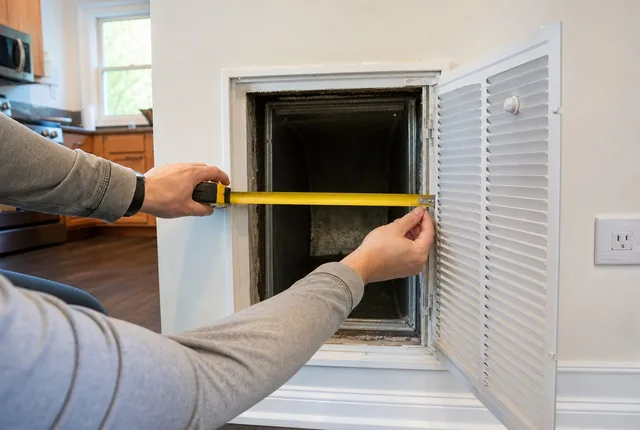 ProblemNo size printed on my air filter: how to find itThe print on the frame is gone or the slot is empty. Measure the opening, round to the nearest inch, and know when you need a custom size.Read the guide
Related tools
 Chapter 01Home service logTurn the last visit for your heating, cooling, chimney and septic service into the next due date and a book-by date, then print a log of who to call.Open the tool
 Chapter 01Keys, codes and remotes logCount the full sets of house keys you need, the copies to cut for each lock and the garage remotes to get, then print a log of who has what.Open the tool
 Chapter 04Move-in photo packetTurn your rental's rooms into a numbered photo list and a condition sheet you can print. Walls, floors, fixtures and appliances, room by room.Open the tool
 Chapter 01HVAC filter size finder and replacement plannerTurn a nominal size like 16x25x1 into the filter's actual dimensions, or measure an old filter to find the size to buy, then plan the next change.Open the tool
 Chapter 02Paint coverage calculatorWork out how many gallons of paint a room needs from its size, doors, windows and coats, using coverage figures published by paint makers.Open the tool
 Chapter 03Sofa through the doorway fit checkCheck a sofa against your narrowest door and a hallway turn: upright, on its back or tilted on its end, with a printable measuring sheet.Open the tool
 Chapter 01Home inventory sheetList what you own room by room, with what you paid, serial numbers and which items have a photo. See each room's total and print a one-page sheet.Open the tool
 Chapter 01Smoke and CO alarm plannerCount smoke and CO alarms level by level from NFPA's placement list, then get the replace-by date and the next battery change for your alarms.Open the tool
 Chapter 04Utility transfer checklistEnter your move-out and move-in dates. Get the last day to call electric, gas, water, trash and internet, the meter days, and a utility list to print.Open the tool
 Chapter 01Water heater capacity estimatorAdd up your busiest hour of hot water, check it against the first hour rating on the EnergyGuide label, and print a record of your heater.Open the tool
- Chapter 01All records toolsPrintable home records with a calculator behind each one: appliance and warranty log, HVAC filter sizes and change dates.Open the chapter
Sources
- Warranties, Federal Trade Commission (FTC), Consumer Advice. Checked October 9, 2026.
See every source on the site on the sources page. Spotted an error? Tell us.