Chapter 01Records · Tool and printable record
Home inventory sheet
Go room by room and give each thing one row: what it is, how many, what you paid, the serial number if it has one, and whether you have a photo. The sheet adds up each room and lists the gaps. Keep a copy somewhere outside the house. What you type stays in this browser.
Source: Oklahoma Insurance Department, Home Inventory Checklist, checked October 11, 2026.

Home inventory sheet
Recorded so far $2,559 in 5 pieces
4 rows across 1 room. 3 of 4 have a photo, 2 have a serial number and 1 says where the receipt is.
| Item | Qty | Value | Has |
|---|---|---|---|
| TVExample Living room | 1 | $649 | photoserialreceipt |
| SofaExample Living room | 1 | $1,200 | photo |
| BookcasesExample Living room | 2 | $360 2 x $180 | nothing yet |
| Stereo receiverExample Living room | 1 | $350 | photoserial |
Gaps to close: No photo yet: Bookcases. No serial number: Sofa and Bookcases. Furniture often has none; electronics and appliances usually do.
How to use this, in plain words
Pick one room and type its name. Start where the expensive things are, often the living room or the kitchen.
Take a wide photo of each wall, then a close photo of anything with a label. Open the drawers and closets and photograph those too.
Find the serial number on electronics and appliances. It is on a sticker or plate, often on the back or the underside.
Look up what you paid in old order emails or card statements. If you can't find it, leave the price blank and the sheet will list it as a gap.
Add one row per item, then print the sheet or download the CSV and store a copy outside the house.
Before you start
- Note 01
Do one room per sitting
A whole house in one evening rarely gets finished. One room a day, starting with the most valuable, gets you a usable list within a week.
- Note 02
Photos first, typing later
Photographing takes minutes. Typing is the slow part, and you can do it on the sofa from the photos.
- Note 03
Write what you paid, not a guess at today's value
A price from a receipt or statement is a fact you can show. A guess at today's value is not, so this sheet records only what you paid.
- Note 04
Check the garage, basement and attic
These are the rooms people skip, and they hold tools, bikes, seasonal decorations and sports gear.
How it works
- Row value = how many x price paid each. A blank count is read as one.
- Room total = the sum of its row values. Rows with no price are counted but add nothing, and the sheet lists them so you can fill them in.
- Money is added in whole cents, so ten rows at $0.10 make exactly $1.
- Gaps: any row without a photo, a serial number or a note of where the receipt is shows up in the gaps line.
Worked example
A living room with a TV ($649), a sofa ($1,200), two matching bookcases ($180 each) and a stereo receiver ($350). The TV and the receiver have serial numbers, three things have photos, and only the TV's receipt has been found.
- Each row: TV 1 x $649 = $649; Sofa 1 x $1,200 = $1,200; Bookcases 2 x $180 = $360; Stereo receiver 1 x $350 = $350.
- Room total: $649 + $1,200 + $360 + $350 = $2,559, for 5 pieces in 4 rows.
- Gaps: 1 of 4 rows has no photo (Bookcases), 2 have no serial number and 3 have no note of where the receipt is.
If the answer surprises you
The total looks low
Rows without a price add nothing to the total. Check the gaps line: every unpriced row is named there.
Two bookcases show as one row
A row can hold several matching things. The value is how many times the price each, so two bookcases at $180 show as $360.
The rooms are in a strange order
Rooms are sorted by the value recorded so far, highest first, so the room that matters most is at the top.
What to record
The printable sheet has one row per item and these columns. Print one sheet per room, or print your saved inventory from the tool.
- Room
- Item and description
- How many
- Brand and model
- Serial number
- Year bought
- Price paid each (USD)
- Photo taken (Y/N)
- Where the receipt is
Variants
Room by room or by category
Room by room is easiest on foot. If most of your value sits in one kind of thing, such as tools, bikes or electronics, list that category together instead. Newest to oldest and most to least expensive also work.
Source: Oklahoma Insurance Department, Home Inventory Checklist, checked October 11, 2026.
If you rent
List only what you own. Put the landlord's furniture and appliances on a separate page so the two lists never mix.
Just moved in
Unpacking is the best time. Write the row as each box comes open, while the item, its box and often its receipt are all in your hands.
Limitations
- Planning estimate; check the manufacturer's label for model and serial numbers, and your own receipts for prices.
- The sheet totals what you paid. It does not estimate what anything is worth today or what it would cost to replace.
- It does not tell you what an insurance policy covers or how to file a claim. Ask your insurer for that.
Tips and tricks
- Tip 01
Film a slow walk-through first
A video of every room, with the closets and drawers open, is a backup list in itself. Say the brand and rough age of big items out loud as you film.
- Tip 02
Photograph serial labels, not just the item
A photo of the TV shows you owned a TV. A photo of the label shows which one.
- Tip 03
Search your email for order confirmations
Search for words like "order confirmation" or a store's name. Prices for online orders are often still in your inbox.
- Tip 04
Group the small stuff
One row for "kitchen utensils, one drawer" with a photo of the open drawer is enough. Save the detail for things with serial numbers.
- Tip 05
Add things the day they arrive
Add a row when you unbox anything new, while the receipt is still in the bag.
What we would do
Start with the living room and the kitchen this weekend
Take wide photos of every room first, so the whole house is covered in one go. Then type in one room a day, most valuable first, and email yourself the CSV when each room is done. Leave missing prices and serial numbers blank and fill them in later. Stopping to hunt for each one is how an inventory stalls.
Questions
What should a home inventory include?
For each item: what it is, how many, the brand and model, the serial number if it has one, the year you bought it, what you paid, a photo and where the receipt is. Copying serial numbers now saves a search later.
Source: Texas Department of Insurance, Home inventory activity, checked October 11, 2026.
Do I have to list every fork and T-shirt?
No. Give small things one row as a group, such as "kitchen utensils, one drawer" or "T-shirts", with a count. Give anything with a serial number, or anything you would be annoyed to lose, a row of its own.
Where should I keep the finished inventory?
Keep at least one copy away from the house, for example with a relative or in a safe deposit box, and email the list and photos to yourself so they live online too.
Source: Oklahoma Insurance Department, Home Inventory Checklist, checked October 11, 2026; Texas Department of Insurance, Home inventory activity, checked October 11, 2026.
Is what I type saved anywhere?
Only in this browser's local storage, on this device. Photos stay on your phone; the sheet only records that you took one. Download the CSV or print the sheet now and then, because clearing site data deletes the list.
Part of a system
This page is one part of a bigger job. The system page puts the parts in order.
 SystemAppliance and warranty records: every machine, its numbers and its paperworkList every appliance, copy its model and serial number from the label, keep the receipt with the warranty, and print one log for the house binder.9 steps · 4 parts · 1 page to printOpen the system
 SystemHome inventory: what you own, room by room, with two copies kept outside the houseFilm each room in one afternoon, type the list from the footage one room at a time, keep copies in two places outside the house and check it each season.9 steps · 4 parts · 1 page to printOpen the system
 SystemMove-in first month: the new home checklistFour weeks, one short job list each: smoke alarms, the air filter, appliance labels, a room-by-room inventory and the monthly reminders, on one printable page.9 steps · 6 parts · 1 page to printOpen the system
Guides that go deeper
 Practical noteThe rooms and things people leave off a home inventoryThe garage, attic, linen closet and patio hold more than people think. Here's what usually gets missed, room by room, and how to group the small stuff.Read the guide
 Practical noteHow to do a photo home inventory in one afternoonFilm every room with the drawers open, then shoot the labels. Type the list later from the photos and keep copies in two places away from home.Read the guide
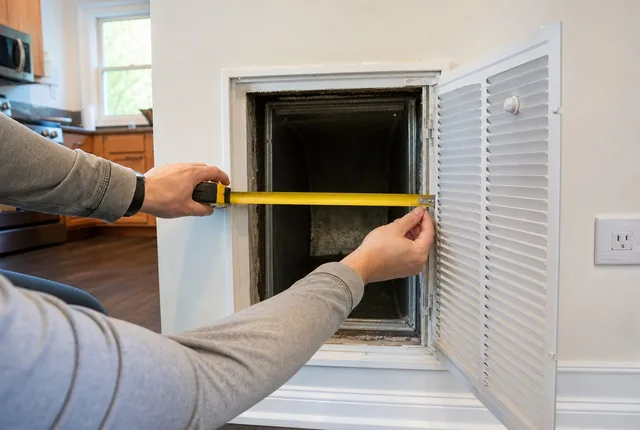 ProblemNo size printed on my air filter: how to find itThe print on the frame is gone or the slot is empty. Measure the opening, round to the nearest inch, and know when you need a custom size.Read the guide
Related tools
 Chapter 01Keys, codes and remotes logCount the full sets of house keys you need, the copies to cut for each lock and the garage remotes to get, then print a log of who has what.Open the tool
 Chapter 04Move-in photo packetTurn your rental's rooms into a numbered photo list and a condition sheet you can print. Walls, floors, fixtures and appliances, room by room.Open the tool
 Chapter 01Smoke and CO alarm plannerCount smoke and CO alarms level by level from NFPA's placement list, then get the replace-by date and the next battery change for your alarms.Open the tool
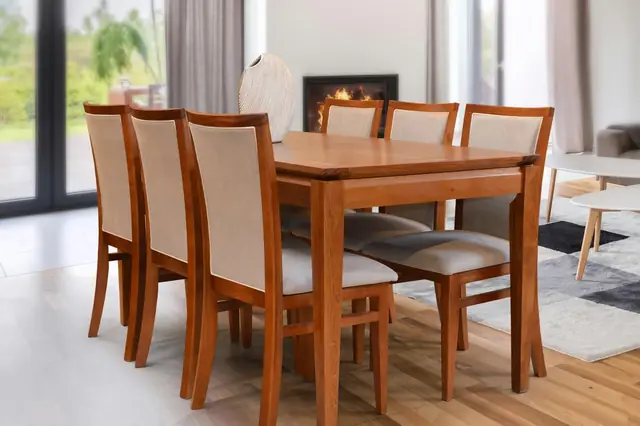 Chapter 03Table seating plannerCount the seats at your table at 24 in a person, add a folding table to one end, then check the room leaves 36 in to pull chairs out.Open the tool
 Chapter 03Bed size and room fit checkCheck all six mattress sizes against your room with walkways around the bed, then test the box spring against the door and hall turn.Open the tool
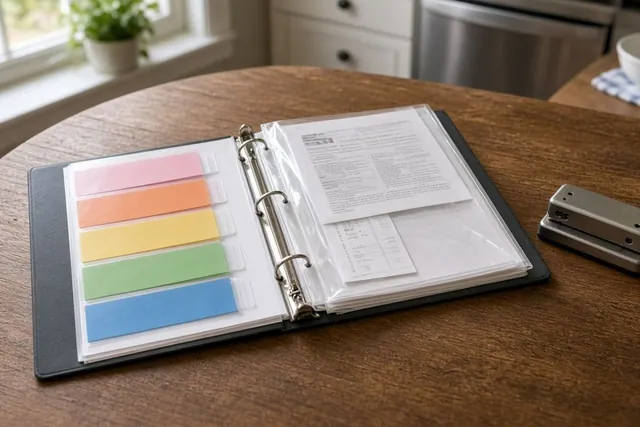 Chapter 01Appliance and warranty logRecord each appliance's model number, serial number and purchase date, see which warranty ends next, and print a one-page log for the drawer.Open the tool
 Chapter 01HVAC filter size finder and replacement plannerTurn a nominal size like 16x25x1 into the filter's actual dimensions, or measure an old filter to find the size to buy, then plan the next change.Open the tool
 Chapter 03Sofa through the doorway fit checkCheck a sofa against your narrowest door and a hallway turn: upright, on its back or tilted on its end, with a printable measuring sheet.Open the tool
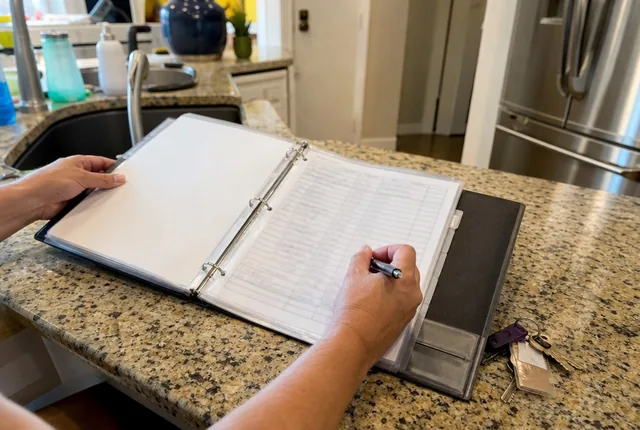 Chapter 04Utility transfer checklistEnter your move-out and move-in dates. Get the last day to call electric, gas, water, trash and internet, the meter days, and a utility list to print.Open the tool
 Chapter 01Water heater capacity estimatorAdd up your busiest hour of hot water, check it against the first hour rating on the EnergyGuide label, and print a record of your heater.Open the tool
- Chapter 01All records toolsPrintable home records with a calculator behind each one: appliance and warranty log, HVAC filter sizes and change dates.Open the chapter
Sources
- Home Inventory Checklist, Oklahoma Insurance Department. Checked October 11, 2026.
- Home inventory activity for kids, Texas Department of Insurance. Checked October 11, 2026.
See every source on the site on the sources page. Spotted an error? Tell us.