Chapter 04Moving · Tool and printable record
Move-in photo packet
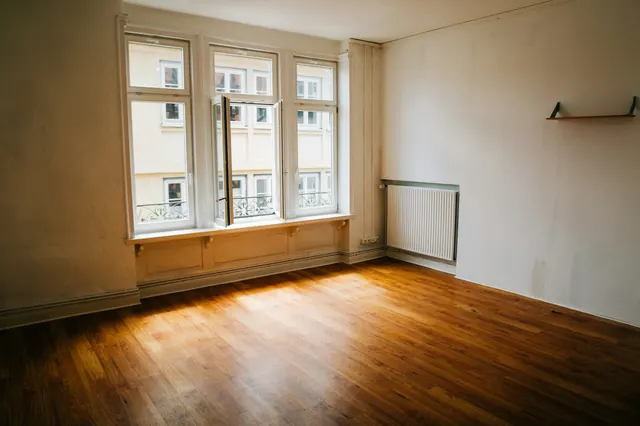
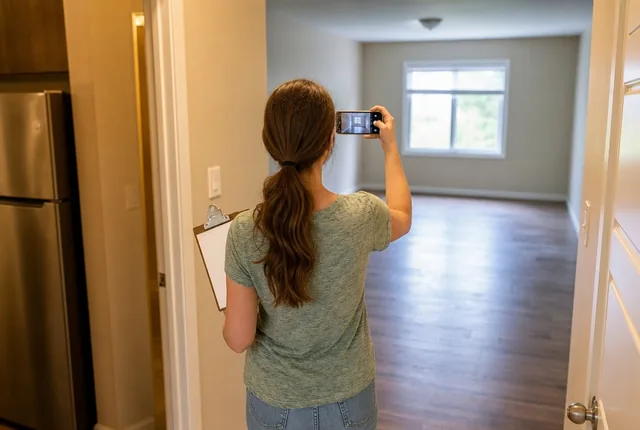
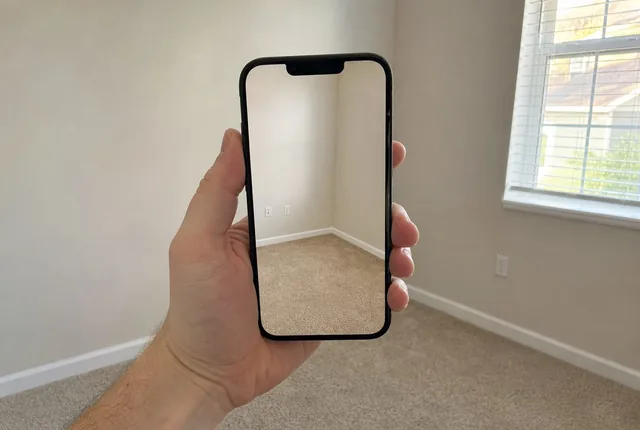
Before your things come in, walk the empty rental in one fixed order. In each room, take a wide photo from every corner, then a close-up of each item on the list: floors, walls, windows, fixtures, appliances. Number the photos in walking order and write what you see next to each number. Two published move-in forms list the same rooms and items.
Source: Mohave County (AZ), Checklist for Walk-Through Inspection (Form A), checked October 10, 2026; The Fair Housing Center, Tenant Move-In and Move-Out Checklist, checked October 10, 2026.
Move-in photo packet
Result 78 photos, 52 rows on the condition sheet
- Areas, in walking order
- Entry and hall, Living room, Kitchen, Bedroom 1, Bedroom 2, Bathroom, Balcony, patio or yard, Whole home
- Wide shots
- 26 (4 a room, 2 outside)
- Close-ups
- 52, one for each item on the sheet
Address and unit: ____________________ · Move-in date: __________ · Walked on: __________ · By: __________
| Photo | Item | Condition | What you see |
|---|---|---|---|
| Entry and hall photos 1 to 9 | |||
| 1-4 | Wide shots: one from each corner, so every wall shows twice | ||
| 5 | Front door, lock and peephole | G · W · D · M | |
| 6 | Floor | G · W · D · M | |
| 7 | Walls and ceiling | G · W · D · M | |
| 8 | Hall closet | G · W · D · M | |
| 9 | Smoke alarm (photo only) | G · W · D · M | |
| Living room photos 10 to 19 | |||
| 10-13 | Wide shots: one from each corner, so every wall shows twice | ||
| 14 | Floor or carpet | G · W · D · M | |
| 15 | Walls and ceiling | G · W · D · M | |
| 16 | Windows and screens | G · W · D · M | |
| 17 | Blinds or curtains | G · W · D · M | |
| 18 | Light fixtures and switches | G · W · D · M | |
| 19 | Outlets and cover plates | G · W · D · M | |
| Kitchen photos 20 to 33 | |||
| 20-23 | Wide shots: one from each corner, so every wall shows twice | ||
| 24 | Floor | G · W · D · M | |
| 25 | Walls and ceiling | G · W · D · M | |
| 26 | Cabinets and drawers | G · W · D · M | |
| 27 | Counters | G · W · D · M | |
| 28 | Sink and faucet | G · W · D · M | |
| 29 | Refrigerator, inside and out | G · W · D · M | |
| 30 | Stove, oven and burners | G · W · D · M | |
| 31 | Range hood or vent | G · W · D · M | |
| 32 | Light fixtures | G · W · D · M | |
| 33 | Dishwasher, inside and out | G · W · D · M | |
| Bedroom 1 photos 34 to 44 | |||
| 34-37 | Wide shots: one from each corner, so every wall shows twice | ||
| 38 | Floor or carpet | G · W · D · M | |
| 39 | Walls and ceiling | G · W · D · M | |
| 40 | Windows and screens | G · W · D · M | |
| 41 | Blinds or curtains | G · W · D · M | |
| 42 | Light fixture and outlets | G · W · D · M | |
| 43 | Closet | G · W · D · M | |
| 44 | Door and lock | G · W · D · M | |
| Bedroom 2 photos 45 to 55 | |||
| 45-48 | Wide shots: one from each corner, so every wall shows twice | ||
| 49 | Floor or carpet | G · W · D · M | |
| 50 | Walls and ceiling | G · W · D · M | |
| 51 | Windows and screens | G · W · D · M | |
| 52 | Blinds or curtains | G · W · D · M | |
| 53 | Light fixture and outlets | G · W · D · M | |
| 54 | Closet | G · W · D · M | |
| 55 | Door and lock | G · W · D · M | |
| Bathroom photos 56 to 67 | |||
| 56-59 | Wide shots: one from each corner, so every wall shows twice | ||
| 60 | Floor | G · W · D · M | |
| 61 | Walls, tile and ceiling | G · W · D · M | |
| 62 | Sink, counter and cabinet | G · W · D · M | |
| 63 | Mirror and medicine cabinet | G · W · D · M | |
| 64 | Tub or shower and caulking | G · W · D · M | |
| 65 | Toilet, bowl and seat | G · W · D · M | |
| 66 | Exhaust fan and lights | G · W · D · M | |
| 67 | Towel bars and shelves | G · W · D · M | |
| Balcony, patio or yard photos 68 to 73 | |||
| 68-69 | Wide shots: one from the door, one looking back at the house | ||
| 70 | Deck, patio or yard surface | G · W · D · M | |
| 71 | Railing or fence | G · W · D · M | |
| 72 | Outside door and screen | G · W · D · M | |
| 73 | Outside light | G · W · D · M | |
| Whole home photos 74 to 78 | |||
| 74 | Thermostat | G · W · D · M | |
| 75 | Heating and cooling vents | G · W · D · M | |
| 76 | Water heater, outside of the tank and its label | G · W · D · M | |
| 77 | Every smoke and CO alarm | G · W · D · M | |
| 78 | Keys, fobs and remotes you were given | G · W · D · M | |
Condition: G good, W worn, D damaged, M missing. Write the photo number from your camera roll if it differs, and copy this sheet before you hand one over.
How to use this, in plain words
Type the number of bedrooms and bathrooms, then tick what the home has: dishwasher, laundry, garage, balcony or yard.
Print the packet. It lists every area in walking order, with a photo number on each row.
Walk the empty home with your phone. In each room, take the wide shots from the corners first, then one close-up per row, in order.
As you go, circle G, W, D or M on each row and write what you see, such as "scuff on the wall by the light switch".
Write the date on the sheet, make a copy, and keep your copy with the photos.
Before you start
- Note 01
Charge the phone and free up space
A small apartment runs to about 80 photos, so start with a charged phone and room in its storage. Phones save the date inside each photo's details, so you do not need a date stamp on the picture.
- Note 02
Go before the boxes
Bare floors and walls show marks that a sofa or a stack of boxes would hide.
- Note 03
Open everything
Open the fridge, oven, dishwasher, cabinets and closets. The inside of an appliance gets its own photo on the list.
- Note 04
Turn every light on
It brightens the photos and shows any bulbs that are out. The Toledo form has a row for light bulbs.
Source: The Fair Housing Center, Tenant Move-In and Move-Out Checklist, checked October 10, 2026.
How it works
- Areas, in walking order: entry and hall, living room, dining room, kitchen, laundry, each bedroom, other rooms, each bathroom, half baths, garage, outside, then a last pass for things that belong to the whole home.
- Wide shots: 4 per room, one from each corner. Outside: 2, one from the door and one looking back at the house. The whole-home pass has none.
- Close-ups: one per item on the room's list. The lists follow two published move-in checklists; a dishwasher adds one row to the kitchen.
- Photos = wide shots + close-ups, numbered from 1 in the order you walk, so photo 23 on the sheet is the 23rd photo on your phone.
Source: Mohave County (AZ), Checklist for Walk-Through Inspection (Form A), checked October 10, 2026; The Fair Housing Center, Tenant Move-In and Move-Out Checklist, checked October 10, 2026.
Worked example
A two-bedroom, one-bath apartment with a dishwasher and a balcony. No dining room, no laundry in the unit, no garage.
- Walking order: Entry and hall, Living room, Kitchen, Bedroom 1, Bedroom 2, Bathroom, Balcony, patio or yard, Whole home. That is 8 areas.
- Entry and hall: 4 wide shots + 5 close-ups = 9 photos. Living room: 4 + 6 = 10.
- Kitchen: 4 wide shots + 10 close-ups (the dishwasher adds one) = 14 photos.
- Bedrooms: 2 x (4 + 7) = 22 photos. Bathroom: 4 + 8 = 12.
- Balcony: 2 wide shots + 4 close-ups = 6. Whole home: 5 close-ups, no wide shots.
- Total: 26 wide shots + 52 close-ups = 78 photos, numbered 1 to 78 in the order you walk. The condition sheet has 52 rows, one per close-up.
If the answer surprises you
That is a lot of photos
Most of them are close-ups, one per row. A wide shot rarely shows a scratch on a counter or a chip in the tub, which is why the list asks for both.
The kitchen is the longest room
Each appliance is its own row, inside and out, so a kitchen with a dishwasher has 10 rows where a bedroom has 7.
A whole-home section with no wide shots
Some things are not in one room: the thermostat, the vents, the water heater, the alarms and the keys. Mohave County's form keeps them in a separate list too, and here they get close-ups only, at the end of the walk.
Source: Mohave County (AZ), Checklist for Walk-Through Inspection (Form A), checked October 10, 2026.
What to record
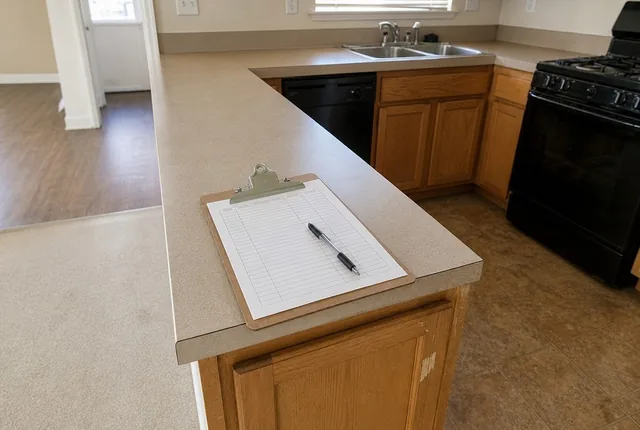
The printable condition sheet has one row per item, grouped by room. Print it blank here, or print your own packet from the tool with the photo numbers filled in.
- Room
- Item
- Photo number
- Condition at move-in (G, W, D, M)
- What you see
- Condition at move-out
Variants
Studio or one room
Set bedrooms to 0. The living room list then covers the room you sleep in, and the packet is the entry, living room, kitchen, bathroom and the whole-home pass.
A house with a garage and a yard
Tick both. The garage gets the usual 4 wide shots and 3 close-ups; the yard gets 2 wide shots and 4 close-ups: the surface, the fence, the outside door and the light.
A landlord form with a number scale
Some move-in forms score each item instead of using words. The Fair Housing Center's form in Toledo runs from 1 for severe damage to 5 for brand new. If your landlord hands you a form like that, fill in their scale on their copy and write this packet's photo numbers next to each line.
Source: The Fair Housing Center, Tenant Move-In and Move-Out Checklist, checked October 10, 2026.
Limitations
- Planning estimate; check the manufacturer's label on appliances, and your landlord's own form if there is one, for anything this list leaves out.
- This is a record of what you saw and when. It does not say what a landlord may charge, what counts as normal wear, or what the law in your state requires. A local tenant union, a legal aid office or your state's housing agency can answer those.
- It records condition only. It does not judge whether anything is safe or working properly.
Tips and tricks
- Tip 01
Photograph a sign first
Write the address and today's date on a sheet of paper and make it the first photo. Every photo after it in the roll belongs to this walk.
- Tip 02
Talk through the video
If you film too, say the room and the photo number as you go, so the video and the sheet line up.
- Tip 03
Show the size of a mark
Put a coin or a tape measure next to a scratch or stain before you take the close-up.
- Tip 04
Back up the same day
Email the photos to yourself or copy them to a cloud folder that night, before the phone fills up with moving-day pictures.
- Tip 05
Walk the same route at move-out
Use the same packet and the same order when you leave, so photo 23 at move-out shows the same spot as photo 23 at move-in.
What we would do
Walk it the day you get the keys, before anything comes in
Print the packet the night before. Walk the empty home in order with the room lights on, wide shots first, then each row. Fill in the sheet as you go rather than from memory later. Then make a copy for the landlord, keep yours with the photos, and email the photos to yourself that evening.
Questions
What should I photograph when I move into an apartment?
Every room's floor, walls and ceiling, the windows and screens, blinds, light fixtures, closets and doors. In the kitchen, the appliances inside and out, the cabinets and the sink; in the bathroom, the tub or shower, toilet, sink and mirror. Both published forms this tool follows list those items room by room. Finish with the thermostat, vents, water heater, alarms and the keys you were given.
Source: Mohave County (AZ), Checklist for Walk-Through Inspection (Form A), checked October 10, 2026; The Fair Housing Center, Tenant Move-In and Move-Out Checklist, checked October 10, 2026.
Should I take photos or a video?
Both, if you can. Photos are easier to point to by number on the sheet. A slow video of each room, with the date said out loud at the start, shows how the rooms connect and catches things you did not stop to photograph.
When should I do the walk-through?
Before your furniture and boxes come in, while the floors and walls are bare. The Fair Housing Center's form says to inspect before you move your belongings in, and again after you move out and clean.
Source: The Fair Housing Center, Tenant Move-In and Move-Out Checklist, checked October 10, 2026.
What do I do with the finished sheet?
Make a copy. The Toledo form asks for two identical copies, one for the landlord and one you keep, and has you write down the date and the way you handed it over. Keep your copy and the photos together, somewhere you will still find them when you move out.
Source: The Fair Housing Center, Tenant Move-In and Move-Out Checklist, checked October 10, 2026.
Does the tool save my rooms or photos?
No. The packet is rebuilt from the form each time and nothing leaves your browser. Your photos stay on your phone. Print the packet, or save it as a PDF from the print dialog.
Part of a system
This page is one part of a bigger job. The system page puts the parts in order.
Guides that go deeper
 Practical noteHow to fill in a move-in condition checklistOne letter per row, then what, where and how big, plus the photo number. Notes a stranger can read a year later, and what to do with the copies.Read the guide
 Know-howWhat to photograph on move-in day, room by roomThe shot list for an empty rental: wide photos from each corner, then one close-up per item, numbered in walking order so the sheet and your phone agree.Read the guide
 Know-howMeter readings to record on move dayRead and photograph the electric, gas and water meters at the home you leave and the one you move into. How digital and dial meters read, and what to write.Read the guide
Related tools
 Chapter 01Keys, codes and remotes logCount the full sets of house keys you need, the copies to cut for each lock and the garage remotes to get, then print a log of who has what.Open the tool
 Chapter 01Home inventory sheetList what you own room by room, with what you paid, serial numbers and which items have a photo. See each room's total and print a one-page sheet.Open the tool
 Chapter 01Appliance and warranty logRecord each appliance's model number, serial number and purchase date, see which warranty ends next, and print a one-page log for the drawer.Open the tool
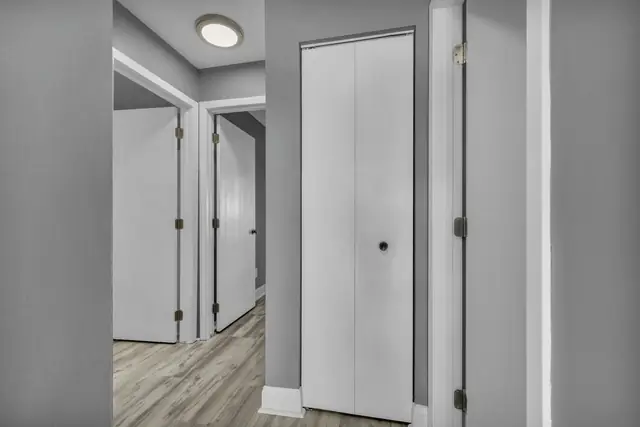 Chapter 01Smoke and CO alarm plannerCount smoke and CO alarms level by level from NFPA's placement list, then get the replace-by date and the next battery change for your alarms.Open the tool
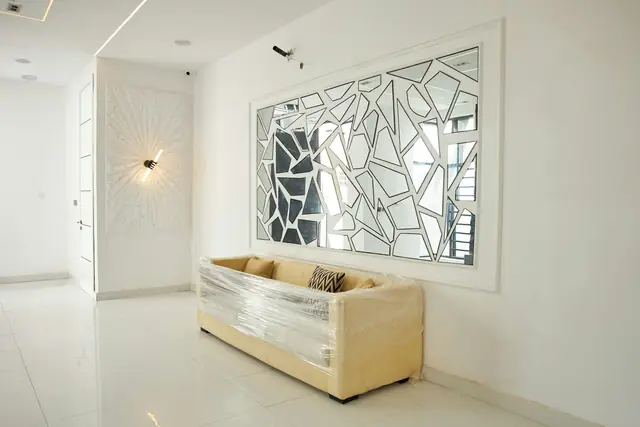 Chapter 03Sofa through the doorway fit checkCheck a sofa against your narrowest door and a hallway turn: upright, on its back or tilted on its end, with a printable measuring sheet.Open the tool
 Chapter 04Utility transfer checklistEnter your move-out and move-in dates. Get the last day to call electric, gas, water, trash and internet, the meter days, and a utility list to print.Open the tool
- Chapter 04All moving toolsMoving tools with a printable sheet behind each one: a numbered move-in photo list, a condition sheet for renters, and the dates to call each utility.Open the chapter
Sources
- Checklist for Walk-Through Inspection (Form A), Mohave County, Arizona. Checked October 10, 2026.
- Tenant Move-In and Move-Out Checklist, The Fair Housing Center (Toledo, Ohio). Checked October 10, 2026.
See every source on the site on the sources page. Spotted an error? Tell us.